Project Manager 101
Every project, one calm tab.
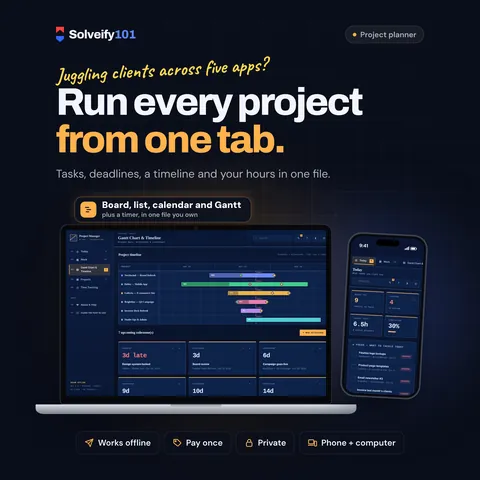
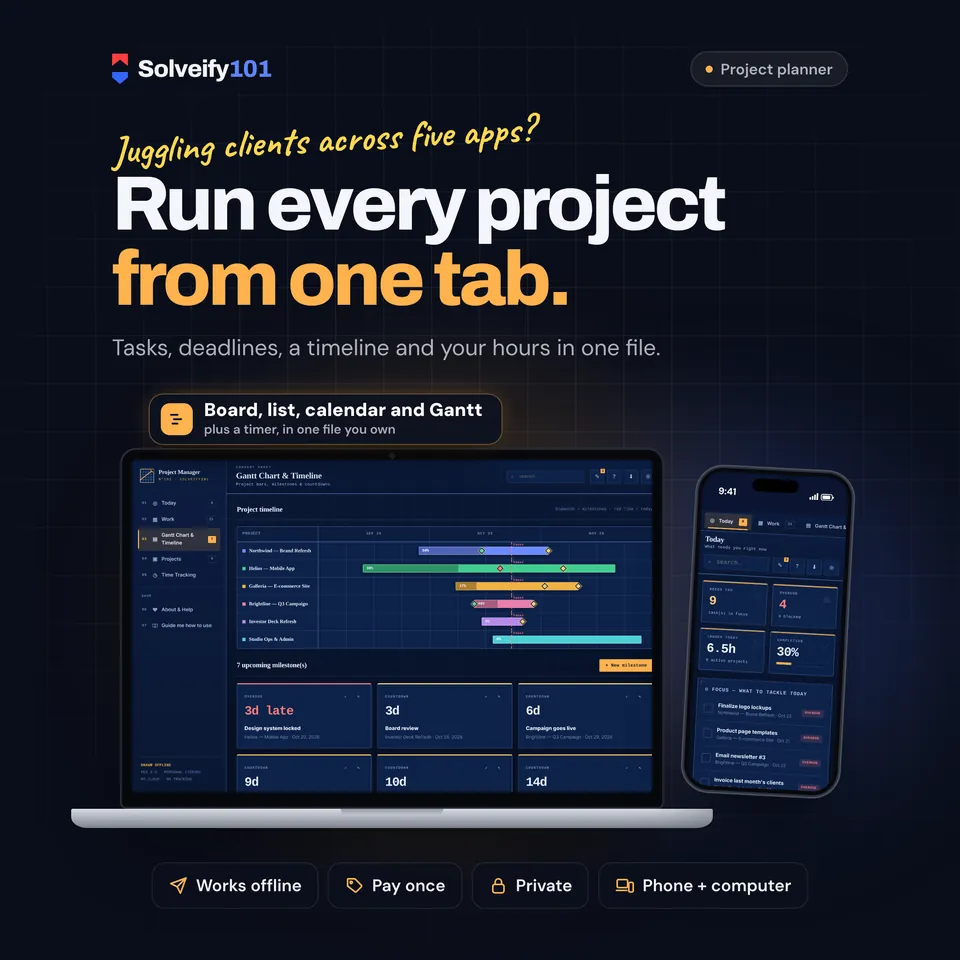
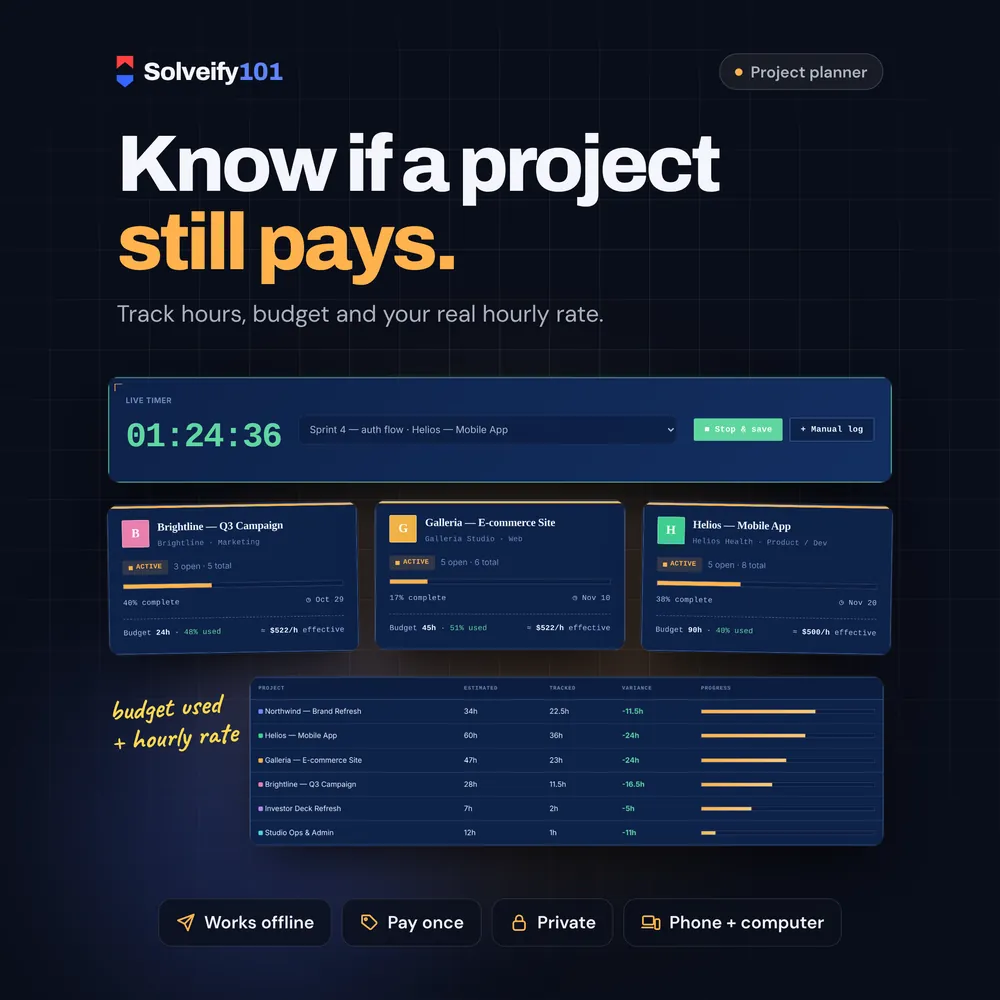
Run every client project from one place. Project Manager 101 shows what needs you today, puts your tasks on a board, a list and a calendar, lays every project out on a Gantt timeline, and tracks your hours against each project's budget. One private file that opens in your browser. No app, no account, no subscription, nothing uploaded.
$10
One-time payment on Etsy, in US dollars.
The demo runs in your browser with sample data. Nothing you type is saved or sent anywhere.
- One fileOpens in any browser
- Works offlineNo internet needed
- PrivateSaves on your device
- Pay onceNo subscription
See it in action
What buyers say
Every review comes from a real Etsy purchase.
What's inside
Today
- Overdue, due today, blocked and in-progress tasks in one list, ready to tick off
- Hours logged today, overall completion and your next milestones
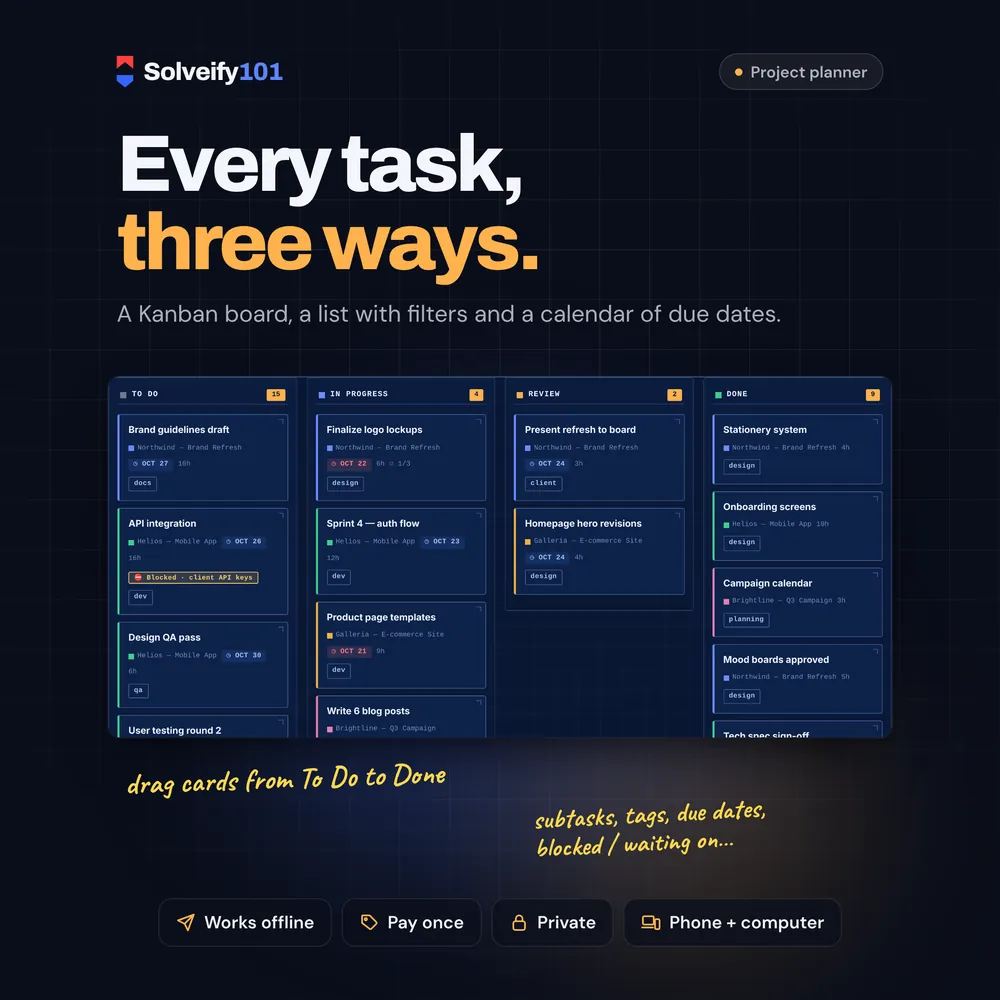
Tasks, three ways
- A Kanban board: drag cards from To Do to In Progress, Review and Done
- A list with status and project filters, and a month calendar of due dates
- Priority, due date, estimated hours, tags, subtasks and a blocked / waiting-on note
- Daily, weekly or monthly repeating tasks: finish one and the next is created
- Search across tasks, projects and tags
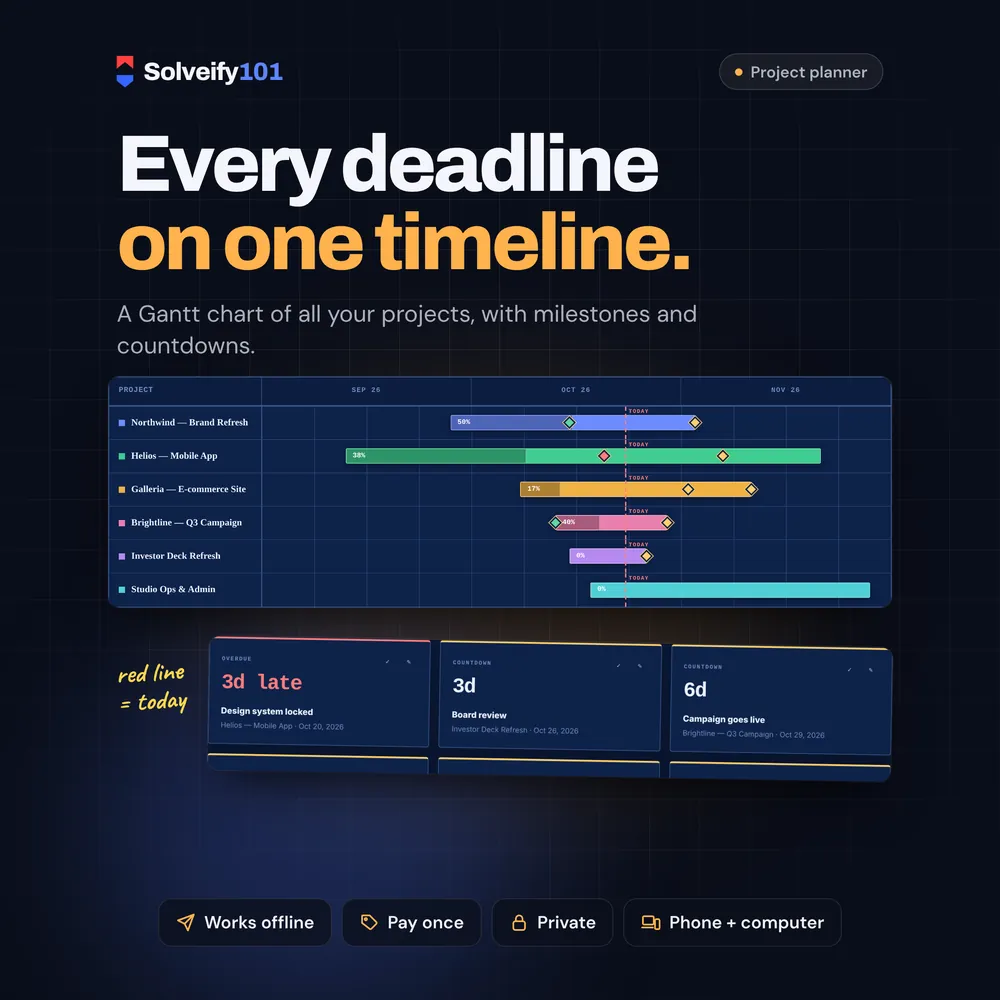
Timeline and milestones
- A Gantt chart of every project, with its progress and a line for today
- Milestones on the timeline, with a countdown to each one
Time and money
- Start / stop timer, and 25-minute focus sprints that end with a chime
- Manual time logs, and estimated vs tracked hours for each project
- Budget hours and a fee per project, with the % of the budget used and your effective hourly rate
- Your own currency symbol
Your data
- Quick capture for ideas, turned into tasks when you're ready
- Full backup file in one click, and a CSV export of your tasks
- Two looks: Blueprint (dark) and Drafting (light)
How it works
- Download the file from your Etsy Purchases page.
- Open it in your browser. A short tour shows you each page.
- Create your first project and add its tasks. Everything saves on your device.
What you get
- Project Manager 101 (one HTML file that opens in your web browser)
On your phone
Works on phones: the pages become a row of tabs along the top and the board stacks into one column. To move a task to another column on a phone, open it and change its status.
On iPhone or iPad, open it with Microsoft Edge. See how
Good to know
- This is an interactive tool you open in a web browser. It is not a spreadsheet or a PDF.
- Opens in Chrome, Edge, Firefox or Safari on a computer, and in Chrome on Android phones and tablets.
- Your data is saved in the browser you open it with. It is never uploaded anywhere. To move to another device, download a backup and import it on the new one.
- It's for one person: there's no team sharing, invoicing or client portal.
- English only.
- Digital item: nothing is shipped.
Made forFreelancers, consultants and small studios juggling a few clients at once, who want deadlines, workload and hours in one place without a monthly subscription.
More in Planning & study
See all-
 Workday 101
Your whole week on one screen: priorities, tasks, time blocks and habits.
Planning & study
$10
Try demo
Workday 101
Your whole week on one screen: priorities, tasks, time blocks and habits.
Planning & study
$10
Try demo
-
 Habit 101
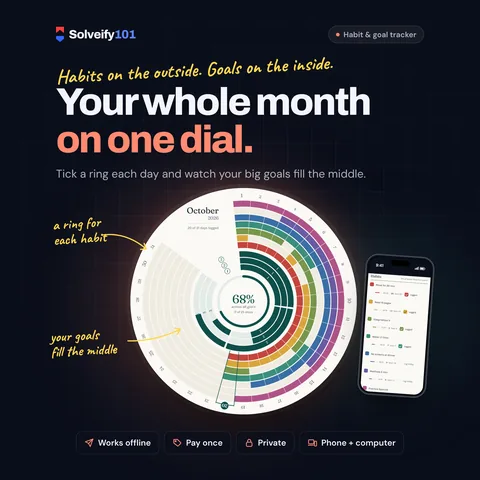
Your habits and your goals on one dial, with milestones and streaks.
Planning & study
$8
Try demo
Habit 101
Your habits and your goals on one dial, with milestones and streaks.
Planning & study
$8
Try demo