Spending 101
Know where your money goes.
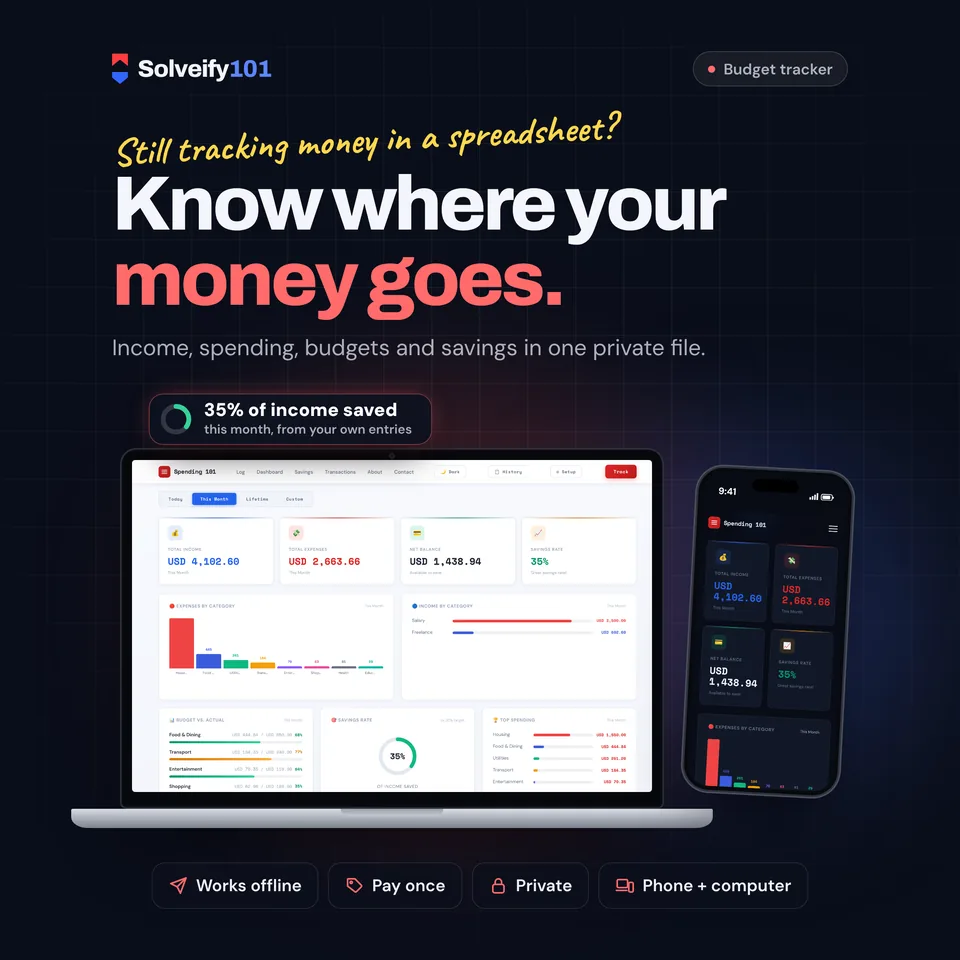
Know where your money goes. Spending 101 tracks your income, expenses and transfers, shows where it all went, and warns you before a budget runs out. One private file that opens in your browser. No app, no account, no subscription, nothing uploaded.
$8
One-time payment on Etsy, in US dollars.
The demo runs in your browser with sample data. Nothing you type is saved or sent anywhere.
- One fileOpens in any browser
- Works offlineNo internet needed
- PrivateSaves on your device
- Pay onceNo subscription
See it in action
What buyers say
5.0 out of 5 from 4 Etsy reviews. Every review comes from a real Etsy purchase.
-
Very good appplication,easy to use.
Etsy buyerJul 2026
-
Very useful budgeting tool for tracking income, expenses, and savings in one place. Easy to use and highly recommended 👍
Etsy buyerMay 2026
-
features are amazing compared to price
Etsy buyerMay 2026
-
Item matched the description and was easy to use after setting up everything, thanks a lot Solveify for this amazing tool!
Etsy buyerMay 2026
What's inside
Your money at a glance
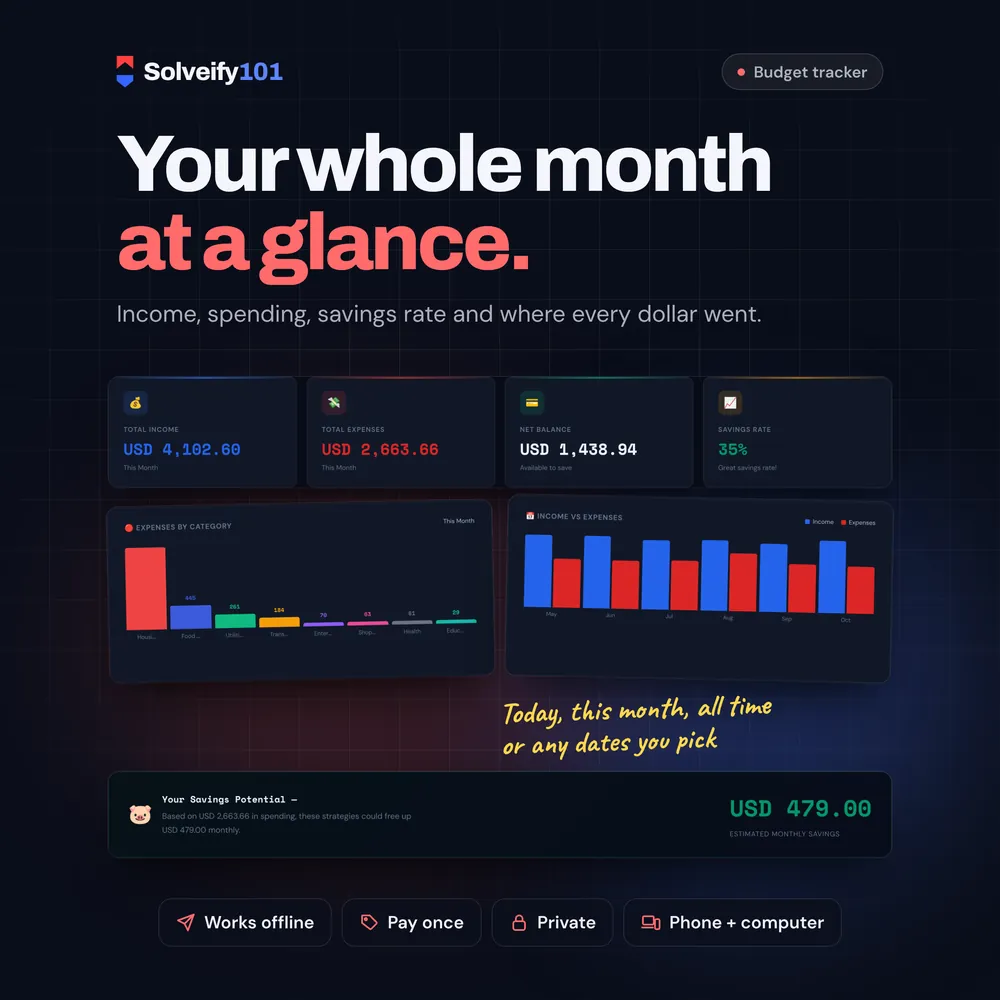
- Total income, total expenses, net balance and savings rate
- View today, this month, all time or any dates you pick
- Expenses by category and income by category
- Income vs expenses for the last 6 months
- Savings rate against a 20% target, your top 5 spending categories and your latest money in and out
Track every dollar
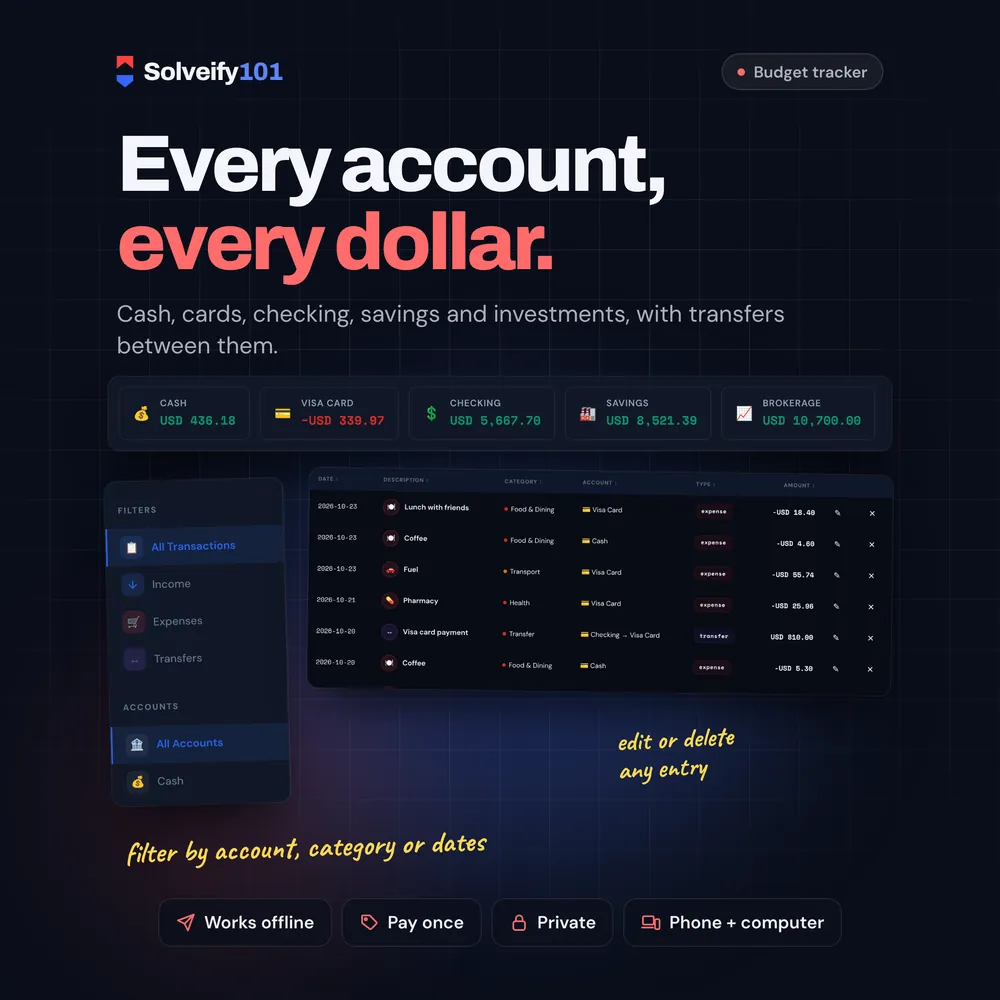
- Expenses, income and transfers between your accounts
- Up to 5 accounts (cash, credit card, debit, savings, investment) with balances that update as you go
- Income and expense categories you can add or remove
- Edit or delete any entry
- 21 currencies, and you choose the day your month starts (for example payday)
Budgets
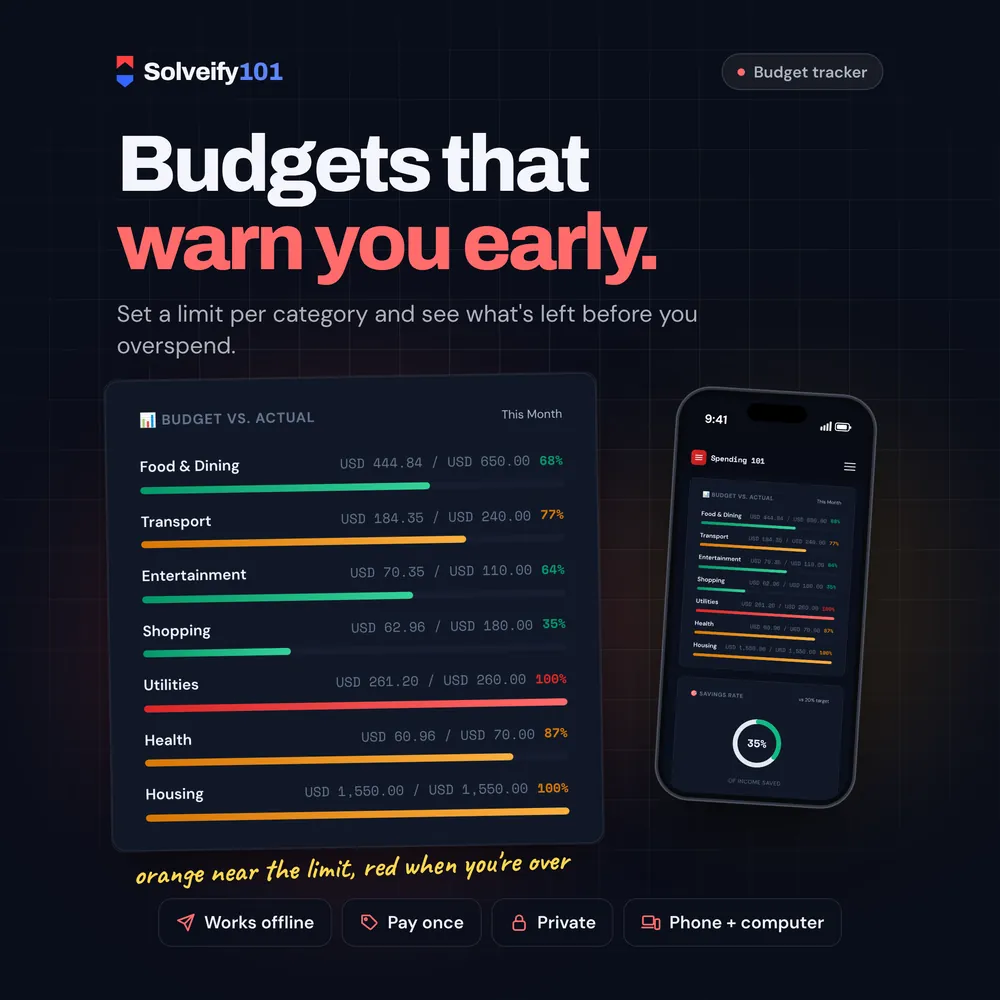
- A monthly limit for each expense category
- Budget vs. Actual bars that turn orange near the limit and red when you go over
History, reports and your data
- Every transaction in one list: search, and filter by type, account, category or dates
- A report of the month you can print or save as a PDF
- Export to CSV, and import transactions from a CSV (for example a bank export)
- Full backup file in one click; restore it on a new computer or browser
Savings tips
- Tips that use your own numbers, plus an estimate of what you could save each month
- Dark and light mode
How it works
- Download the file from your Etsy Purchases page.
- Open it in your browser. There's nothing to install and no account to create.
- Pick your currency, name your accounts and add your first expense. Everything saves on your device.
What you get
- Spending 101 (one HTML file that opens in your web browser)
On your phone
Switches to a phone layout: a menu button, one column, and the history and settings lists in a row you swipe along the top.
On iPhone or iPad, open it with Microsoft Edge. See how
Good to know
- This is an interactive tool you open in a web browser. It is not a spreadsheet or a PDF.
- Opens in Chrome, Edge, Firefox or Safari on a computer, and in Chrome on Android phones and tablets.
- Your data is saved in the browser you open it with. It is never uploaded anywhere. To move to another device, use Setup > Backup & Restore, then Restore on the new one.
- It doesn't connect to your bank. You add transactions yourself or import a CSV.
- It has budgets, but no savings goals or bill due dates. Vaultly 101 Pro has both.
- English only.
- Digital item: nothing is shipped.
Made forAnyone who wants to see where their money goes each month without a spreadsheet or another app subscription. A simple place to start a first budget, for students, couples, freelancers and anyone paid once or twice a month.
More in Money
See all-
 Auric 101
Every account, bill, goal and property in one private dashboard.
Money
$10
Try demo
Auric 101
Every account, bill, goal and property in one private dashboard.
Money
$10
Try demo
-
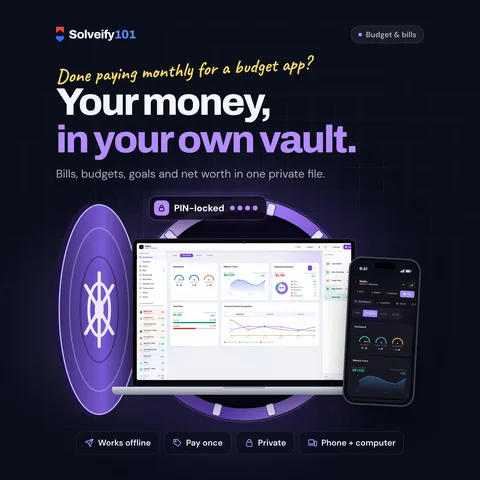 Vaultly 101 Pro
Bills, budget, savings goals and net worth. Know what's paid, what's due and what's left.
Money
$8
Try demo
Vaultly 101 Pro
Bills, budget, savings goals and net worth. Know what's paid, what's due and what's left.
Money
$8
Try demo