Study Planner 101
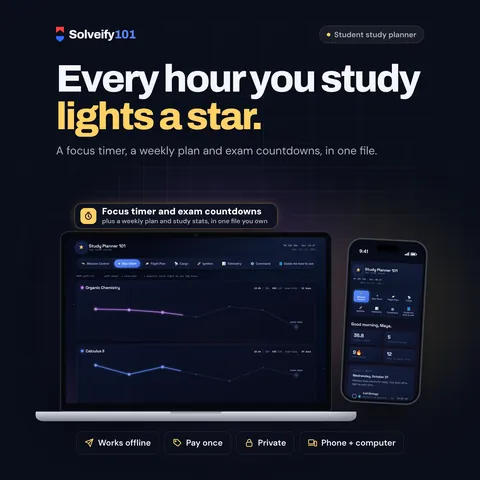
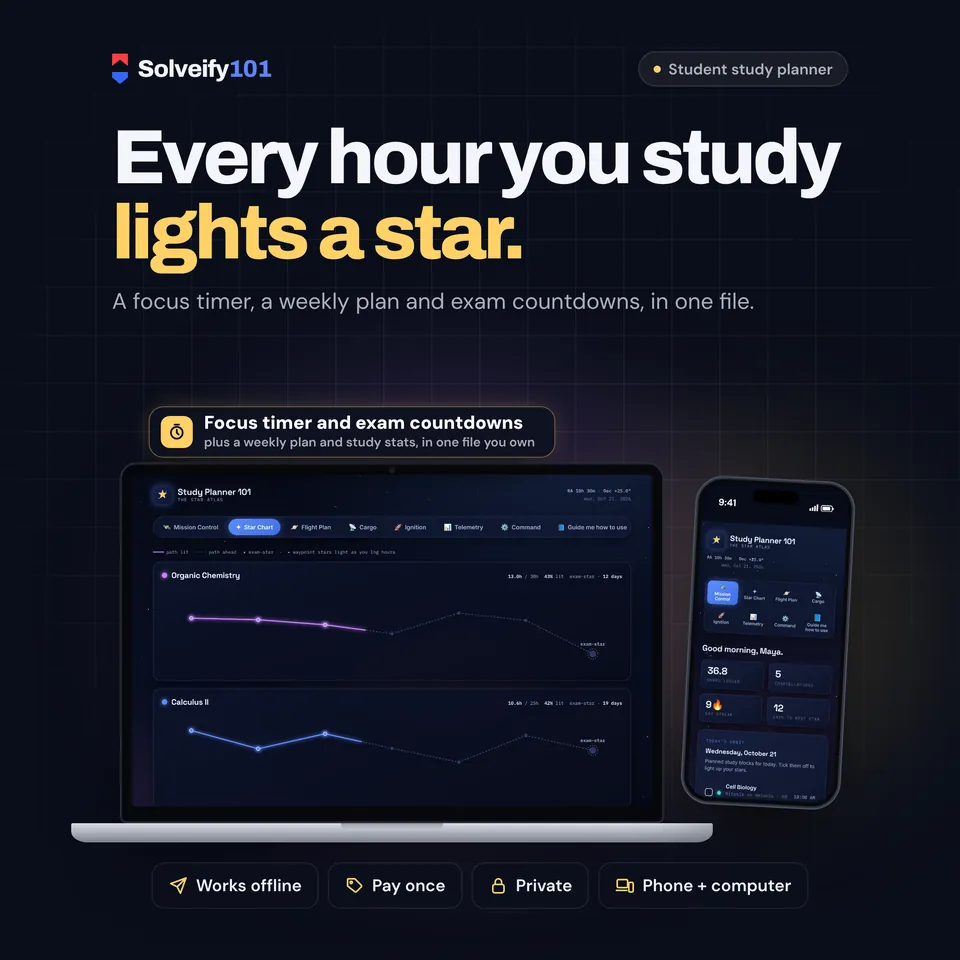
Every hour you study lights a star.
Most study planners are lists. Study Planner 101 turns each subject into a constellation that lights up, star by star, as you log study hours, until you reach the exam-star at the end. A focus timer logs your minutes, a weekly plan holds your study blocks, and Mission Control shows your streak, today's blocks, exam countdowns and assignments. One private file that opens in your browser. No app, no account, nothing uploaded.
Sale price $4Normal price $850% off until Oct 31
One-time payment on Etsy, in US dollars.
The demo runs in your browser with sample data. Nothing you type is saved or sent anywhere.
- One fileOpens in any browser
- Works offlineNo internet needed
- PrivateSaves on your device
- Pay onceNo subscription
See it in action
What buyers say
Every review comes from a real Etsy purchase.
What's inside
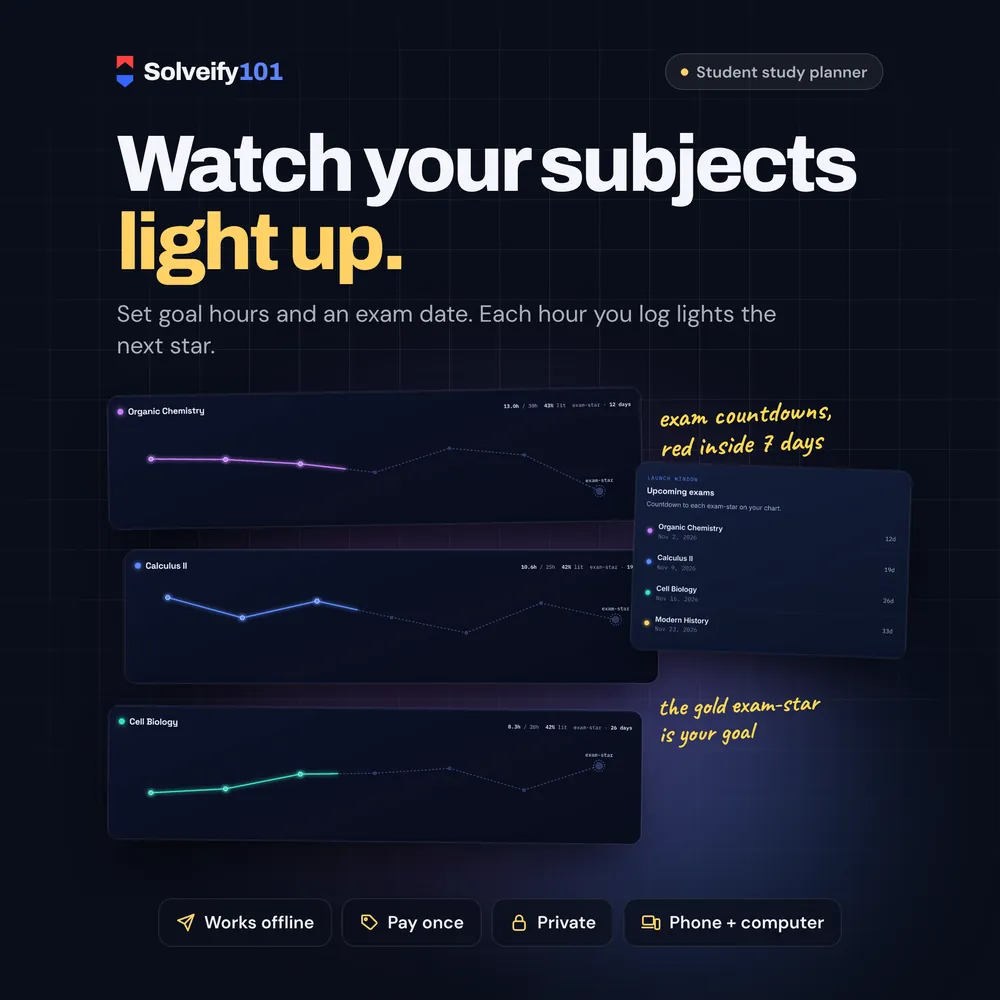
Your subjects as constellations
- Each subject gets its own colour and a line of seven stars on the Star Chart
- Set a goal in hours and an exam date: the stars light up as your logged hours grow, up to the exam-star
- Hours logged, goal and % lit on every constellation
Focus timer
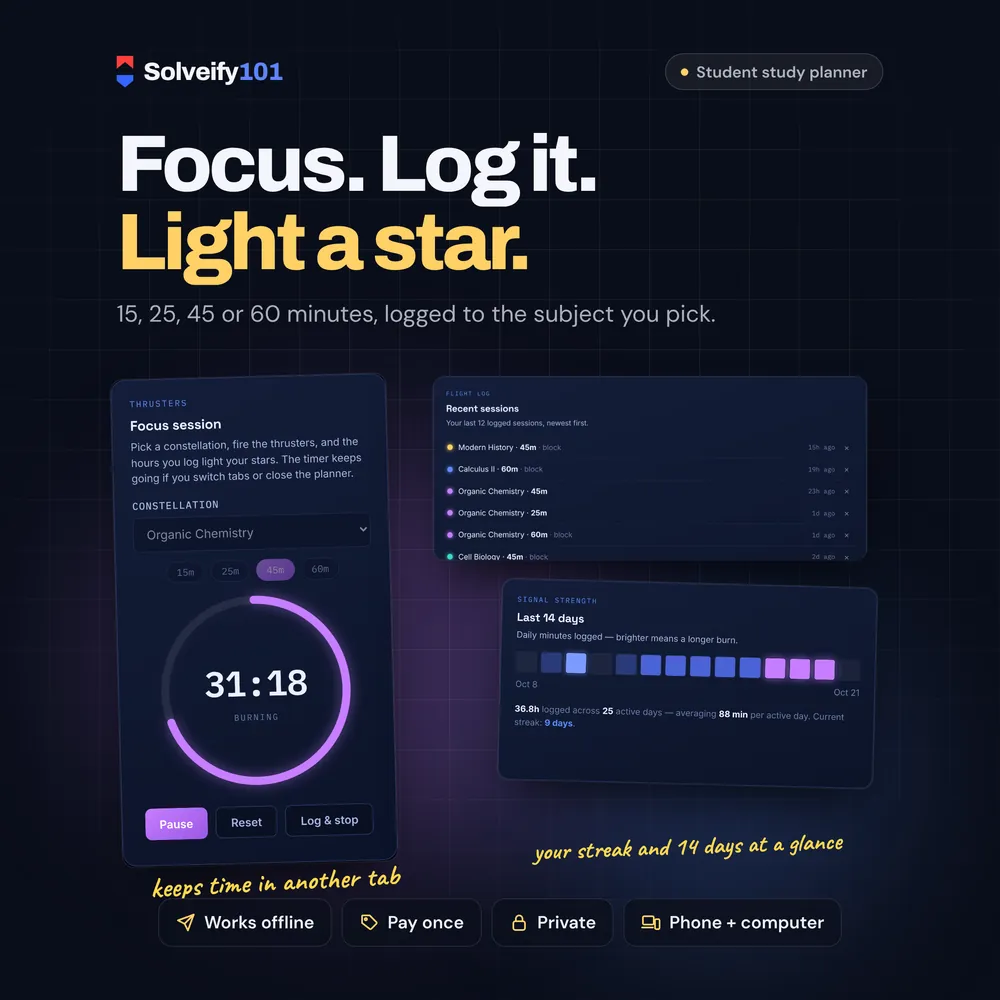
- Sessions of 15, 25, 45 or 60 minutes for the subject you pick
- Pause and resume, or Log & stop to keep the minutes so far
- Keeps time if you switch tabs or close the planner, and shows the time left in the tab
- An optional soft chime at the end, and a log of your recent sessions
Plan the week
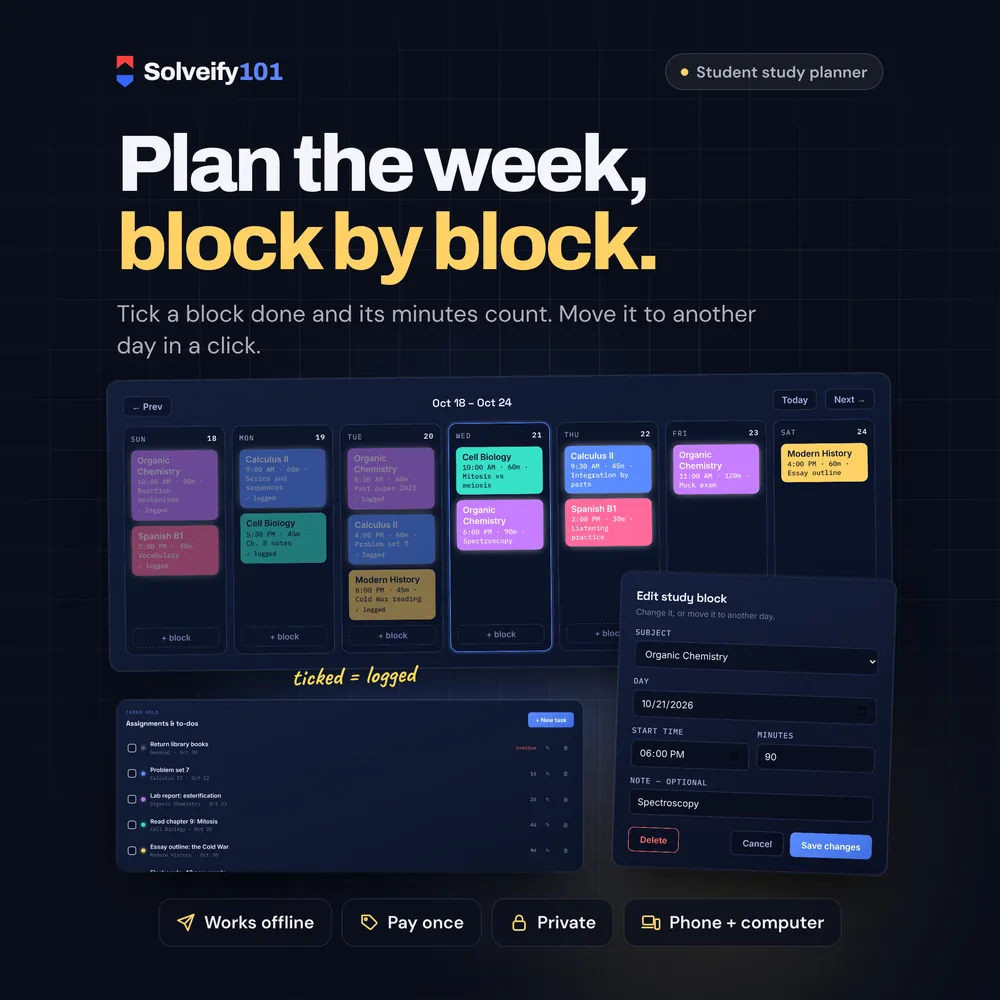
- A 7-day plan of study blocks: subject, start time, minutes and a note
- Tick a block done and its minutes count toward that subject on that day
- Edit a block or move it to another day; the week starts on Sunday, Monday or Saturday
Exams and assignments
- Mission Control: hours logged, streak, today's blocks, the next exams and the next assignments
- Exam countdowns that turn red inside 7 days
- Assignments and to-dos with a subject and a due date, sorted by date
See your progress
- Hours per subject as bars
- A heat map of the last 14 days and your current streak
- Average minutes per study day
Your data
- Saved in your browser, on your device; nothing is uploaded
- Backup file in one click, restored on any computer or browser
How it works
- Download the file from your Etsy Purchases page.
- Open it in your browser, type your name and the subjects you're studying.
- Plan your week and start a focus session. Your stars light up as you go.
What you get
- Study Planner 101 (one HTML file that opens in your web browser)
On your phone
Works on phones: all the tabs sit in a grid at the top, and the week shows one day under another.
On iPhone or iPad, open it with Microsoft Edge. See how
Good to know
- This is an interactive tool you open in a web browser. It is not a printable, a spreadsheet or a PDF.
- Opens in Chrome, Edge, Firefox or Safari on a computer, and in Chrome on Android phones and tablets.
- Your data is saved in the browser you open it with. It is never uploaded anywhere. To move to another device, download a backup and restore it there.
- It has one look: a dark night sky. There's no light mode.
- One student per file. English only.
- Digital item: nothing is shipped.
Made forUniversity and high-school students, people preparing for professional exams, and anyone who likes to see their study hours add up.
More in Planning & study
See all-
 Workday 101
Your whole week on one screen: priorities, tasks, time blocks and habits.
Planning & study
Sale price $5
Workday 101
Your whole week on one screen: priorities, tasks, time blocks and habits.
Planning & study
Sale price $5Normal price $1050% off Try demo -
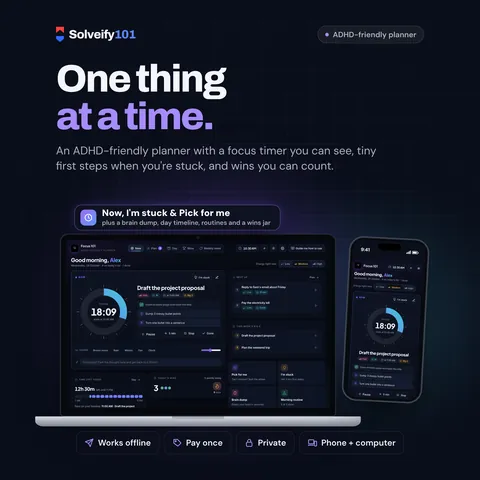 Focus 101
An ADHD-friendly planner for one thing at a time: a focus timer you can see, tiny first steps when you're stuck, and wins you can count.
Planning & study
Sale price $5
Focus 101
An ADHD-friendly planner for one thing at a time: a focus timer you can see, tiny first steps when you're stuck, and wins you can count.
Planning & study
Sale price $5Normal price $1050% off Try demo -
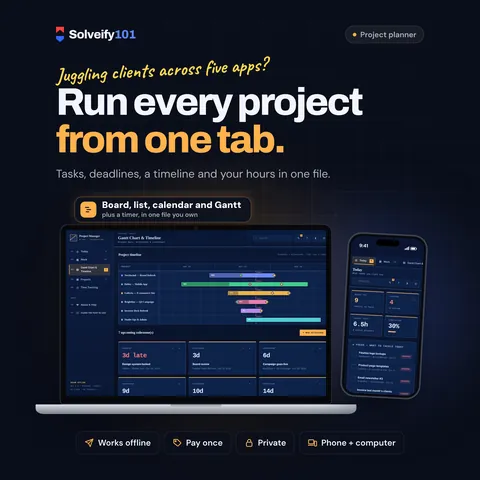 Project Manager 101
Projects, tasks, a Gantt timeline and time tracking in one private file. Made for freelancers.
Planning & study
Sale price $5
Project Manager 101
Projects, tasks, a Gantt timeline and time tracking in one private file. Made for freelancers.
Planning & study
Sale price $5Normal price $1050% off Try demo -
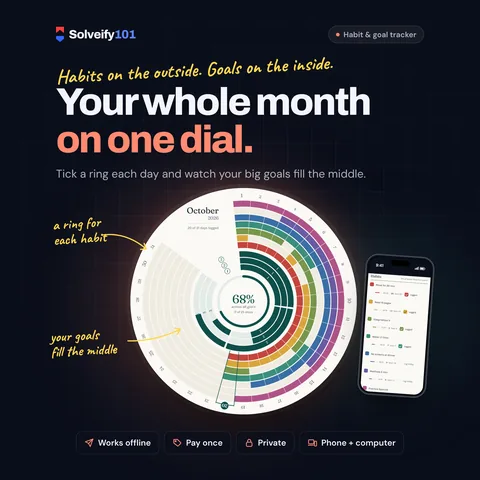 Habit 101
Your habits and your goals on one dial, with milestones and streaks.
Planning & study
Sale price $4
Habit 101
Your habits and your goals on one dial, with milestones and streaks.
Planning & study
Sale price $4Normal price $850% off Try demo